 ChineseBoo
How to Read Printed Chinese Without Looking Up Every Character
To read a printed Chinese page with less interruption, extract its text with a Chinese-capable scanner, check the result against the photo, and study the Chinese with word-level help. A full-page translation can tell you what it says; a reading workflow helps you understand how it says it.
The book is interesting. Getting through one paragraph is exhausting.
You find a Chinese paperback you actually want to read. Then the first unfamiliar character sends you into handwriting input. You identify it, discover it belongs to a two-character word, look that up instead, and return to the page having forgotten the beginning of the sentence.
The difficulty is not always the text itself. Sometimes it is the work required to ask a simple question about it. Scanning Chinese text can remove that repeated transcription, letting you spend your attention on the passage rather than on entering characters into a search box.
Choose the result you need: extracted text, a translation, or reading help
Text recognition—often called OCR—turns a photo into characters you can select and search. Translation produces meaning in another language. Pinyin supplies pronunciation. These solve different problems, and one does not automatically provide the others.
If you need to understand an urgent notice, an overall translation may be the right starting point. If you are studying a story, keeping the original Chinese visible matters: you want to connect the words on the page to the meaning, not just read an English replacement.
For learning, look for a workflow that combines readable extracted text with pronunciation and dictionary access. Copying an OCR result into another tool can work, but check that paragraph order and punctuation survive the move. A neatly formatted output can still contain a mistaken character.
Start with a paragraph you have a reason to understand
A single page from your own book, a short reading handout, or a passage you marked after class is enough. Choose material you have permission to photograph and process. You do not need to digitize an entire book before you can have a useful reading session.
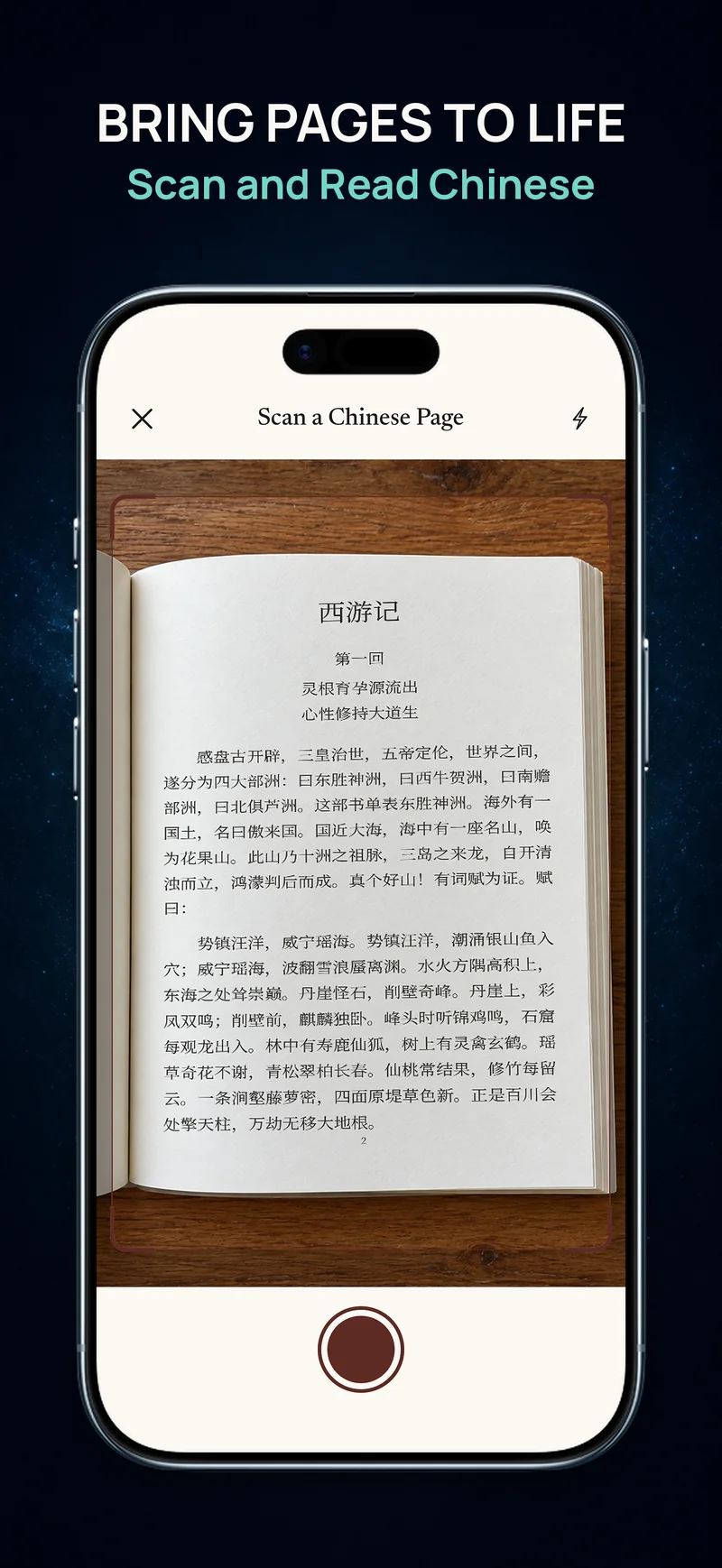
Place the page in even light, flatten it gently, and keep the camera facing the text rather than at a sharp angle. Keep the passage inside the capture area and avoid glare near the spine. Retaking a blurred image is usually a better use of your time than trying to interpret a page of uncertain recognition.
After extraction, compare the title, the start of each paragraph, names, and numbers with the original. Similar-looking characters and unusual layouts deserve particular attention. Treat the photo as your reference, especially before saving a newly recognized word to study later.
Use pinyin to enter the sentence, then return to its meaning
Consider 她把书放在桌上。A whole-sentence translation tells you that she put the book on the table. Word-level reading lets you notice 放, “put,” 桌上, “on the table,” and the way 把 introduces the object affected by the action.
First read the line as a whole. Check the word or pattern that blocks understanding, then look back at the Chinese and see whether you can follow it without the explanation. That second pass is the part a quick photo translation can make easy to skip.
Save a small number of useful words—not every unfamiliar item. If a word looks surprising, confirm it was recognized correctly before memorizing it. You can build a reading-based flashcard habit from a few good encounters instead of a long list of uncertain transcriptions.
Let a printed page become a page you can tap
ChineseBoo connects the photograph to the same learning reader used for stories and books. Capture a page, review the crop, and the extracted Chinese becomes readable text with pinyin, dictionary lookup, and vocabulary saving. The practical benefit is continuity: you can move from paper to understanding without manually typing each unknown word.
Capture one clear printed page at a time and let online text recognition turn it into a passage you can read. Good lighting and a sharp crop help preserve the words; compare the result with your photo before studying a new expression.
Your Scans library keeps successful captures on your device. Reopen a passage, rename it so it is easy to find, and pick up where you left off. Translation and Ask AI help you explore the lines you want to understand more closely.
Is scanning the best choice for a whole Chinese book?
If the book is available as a compatible EPUB, importing it gives you chapters and continuous text without photographing pages. Scanning is especially useful for the material that is already on paper: the passage you have in front of you and want to understand today.
The goal does not have to be a perfect digital archive. It can be the quieter satisfaction of looking at the same paragraph again and recognizing what it means.