 ChineseBoo
Chinese EPUB Reader: Read Your Own Books With a Dictionary
Bring a Chinese ebook you want to read into a reader with word meanings and pronunciation support. Pinyin, dictionary lookup, and vocabulary saving help you stay with the story.
A Chinese book can be easy to open and still difficult to read. You may recognize the characters in 马上 but miss that the whole word means “immediately.” The useful question is whether your reader helps you understand the word in its sentence without repeatedly switching apps.
What to look for in a Chinese EPUB reader
- Word-level definitions: check the complete word, then choose the meaning that fits the sentence.
- Pinyin and pronunciation: connect an unfamiliar spelling to its sound without relying on romanization for the whole page.
- A way to return to vocabulary: save a few recurring words rather than interrupting the chapter to build a long list.
- Comfortable reading: choose readable text settings and a page or scrolling mode that suits you.
Check your book before choosing a reader
An EPUB is an ebook file, but not every app can open every EPUB. A book available only inside a seller’s app may not include a file you can import into another reader. A PDF file cannot be imported as an EPUB by changing its file name.
Sample the Chinese as well as the file. A familiar plot can help you stay oriented, but long descriptive passages or specialist vocabulary may still be demanding. Our beginner reading ladder can help you choose a manageable starting point.
What ChineseBoo supports
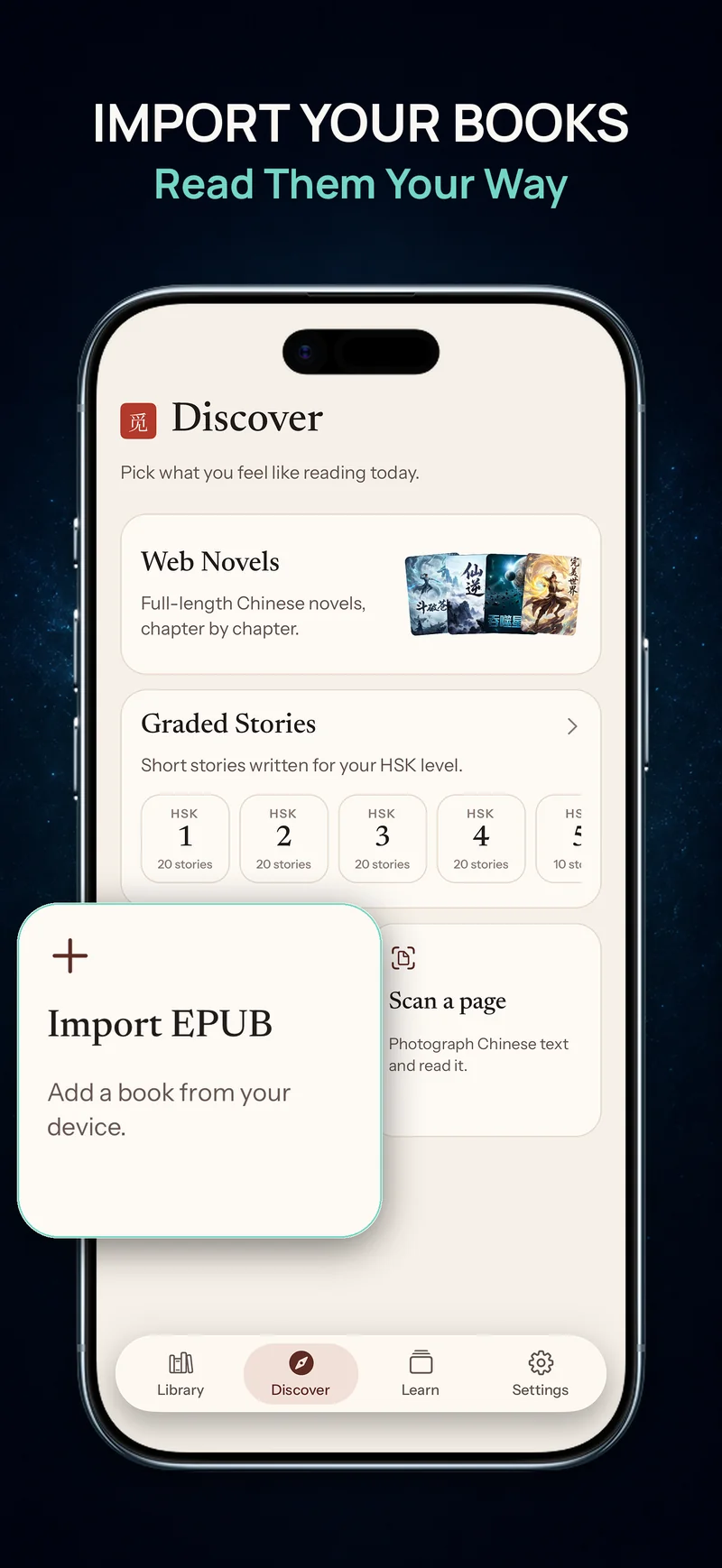
ChineseBoo imports compatible EPUB books and offers pinyin, word definitions, pronunciation, vocabulary saving, chapter navigation, and a saved reading position. Bring an EPUB book you want to read and make each chapter part of your Mandarin practice.
Offline reading and your book collection
EPUBs are processed and stored on your device. Imported content and the bundled dictionary can be used offline. Optional passage translation and Ask AI require internet and send the selected text for assistance. Pronunciation depends on your device’s speech voices and their network requirements.
Your imported EPUB books and reading positions stay on the device where you add them. Use flashcard cloud export and import to carry useful vocabulary into your study on another device.
Make one chapter manageable
Read a paragraph for the main event before checking every unknown word. Use the popup dictionary for a word that blocks you, reread the line, and save only a few words you expect to meet again. If every sentence needs translation, keep this book for short study sessions and choose an easier story for longer reading.
For a passage that exists only on paper, scanning one printed page may be more useful than searching for an ebook edition.
Bring a book you want to read
Read a compatible EPUB book in ChineseBoo with pinyin, word lookup, and vocabulary saving. Start a chapter and keep useful words close by.